

Release note 7.0.0
Retrospective 7.0 - Awesome log data analysis
31 October 2025
Archived release note from October 2025. It describes Retrospective 7.0.0; the program looks and works differently today. Current version · All releases

Log Event Correlation
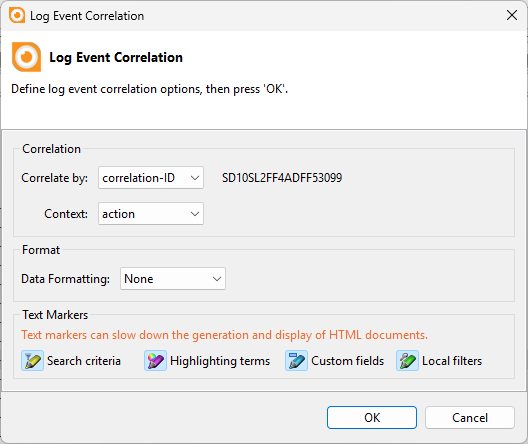
Log event correlation involves examining logs from different sources (files, container log streams) to find connections between events that may not be obvious when simply looking at the result table. Log events can be correlated (linked) by looking at specific named data they contain (correlation-ID, event-ID etc.).
Starting from any log event, you specify how related events are linked and with what context (i.e. the application name) you want them reported.
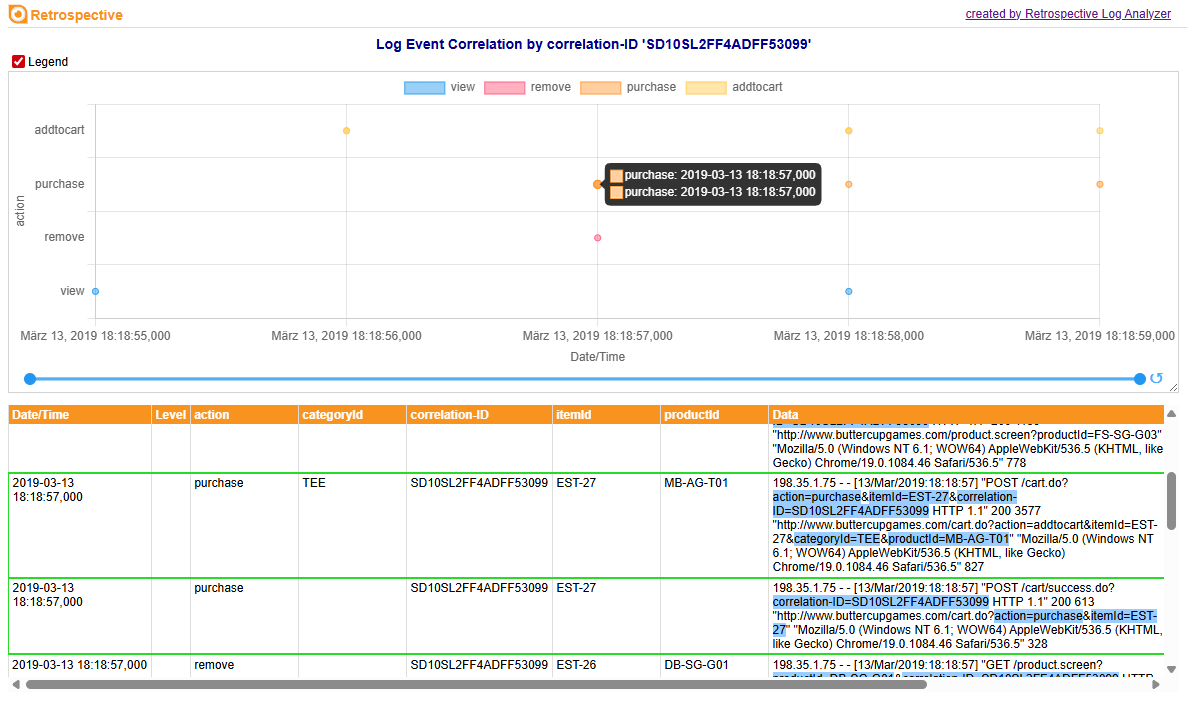
Retrospective then collects all related events within the same profile from the underlying data store and presents the result in an interactive web page. The web page contains the following main sections.
-
A scatter time chart that shows a point for each log event. When a mouse click occurs on a data point, the related rows from the result table are immediately revealed and highlighted.
-
A result table that contains all correlating log events with their full content.
Result Data Aggregation
Result data aggregation counts and reports distinct values from the following sources:
-
Selected columns from the result table.
-
Extracted fields from full text using user defined expressions.
Column Summaries
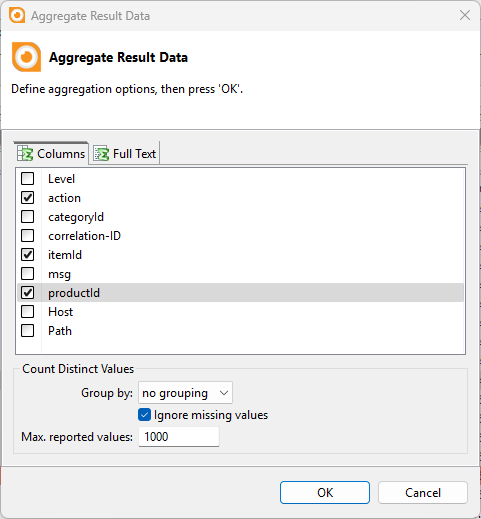
Defining column summaries is a simple task. Select the columns of your choice, adjust the options in the "Count Distinct Values" section, then press the "OK" button.
Full Text Summaries
In order to create a full text summary, you need to define an expression that extracts a field from the full content of the collected result data, basically the "Data" column. An expression can be plain text with wildcards or a regular expression (Regex).
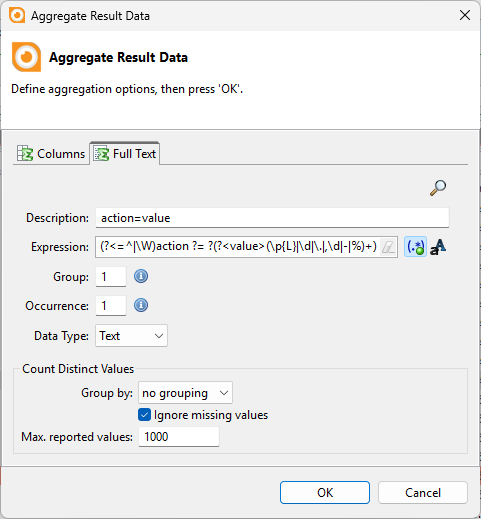
Because writing regular expressions is not everyone's cup of tea, Retrospective offers optimal support for defining them. Regex patterns from automatically detected fields and predefined regex patterns are proposed for selection but may be edited afterwards for matching your requirements.
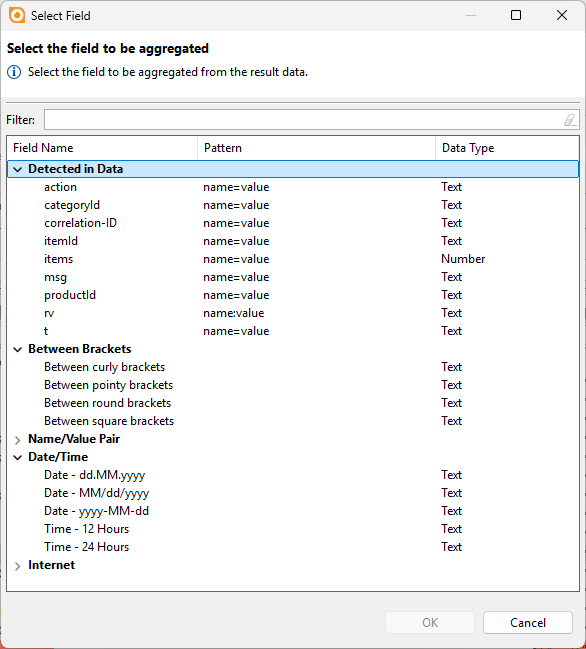
Aggregation Result
The aggregation result is displayed in a dialog that contains a "Summary" and a "Distinct Values" section.
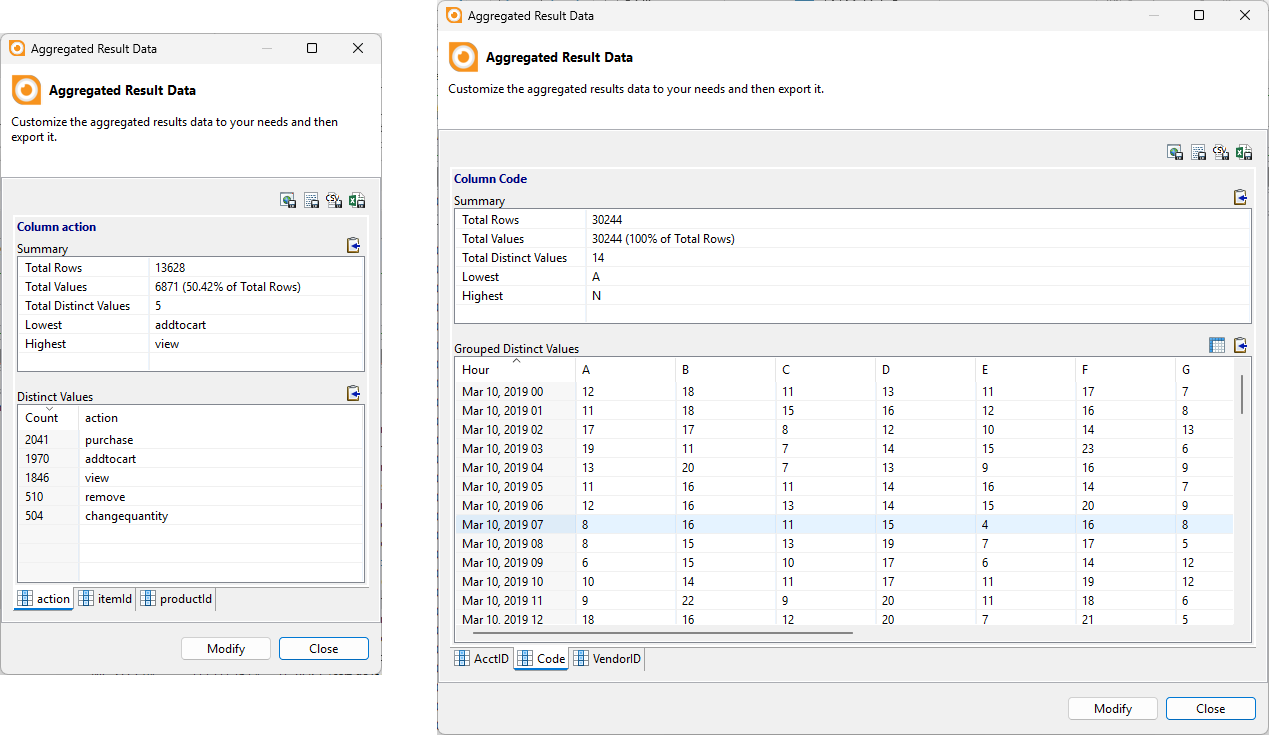
The result view is highly customizable and can be exported to the clipboard, or to a file (web page, text, CSV or Excel).

Ongoing Maintenance
As always, we have made great efforts to improve the quality of our software. We have updated the underlying Eclipse target platform along with various libraries and fixed several bugs. For further details, please consult the Retrospective 7.0.0 release notes.