

Kubernetes and Docker
Watch the rollout
A new version of the checkout service goes out this afternoon. You want to see errors as they happen, on all pods at once — not one kubectl logs -f per terminal, and not after the old pods and their logs are gone.
-
Open the deployment, not the pods
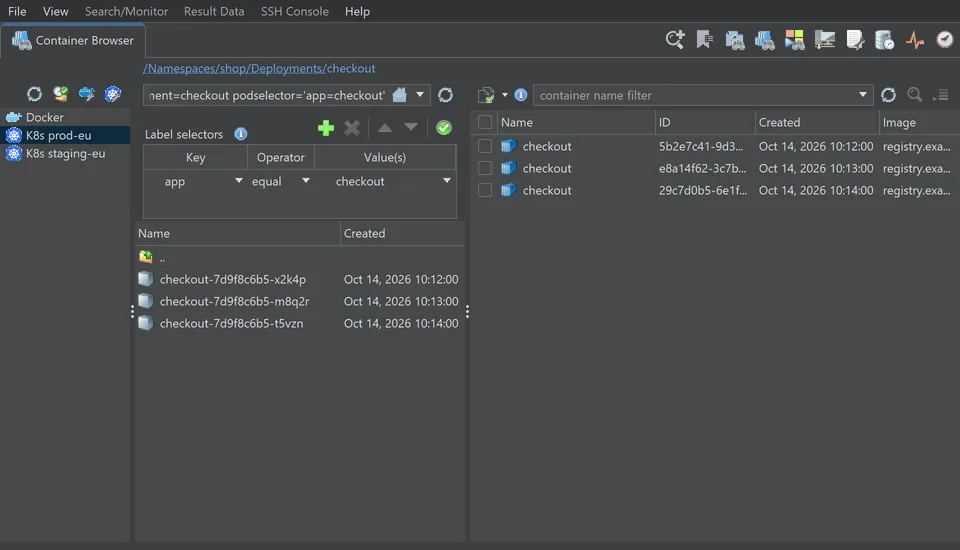
In the Container Browser, pick the cluster, the namespace and the
checkoutdeployment. Retrospective uses thekubectland the context you already have. Because the source is the deployment, pods that are created later are included too.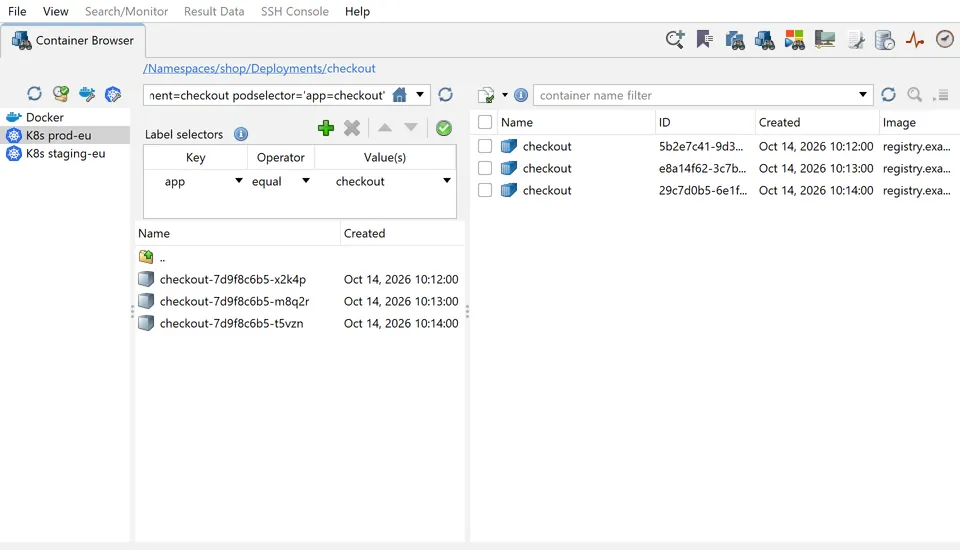
-
Monitor all its pods in one tab
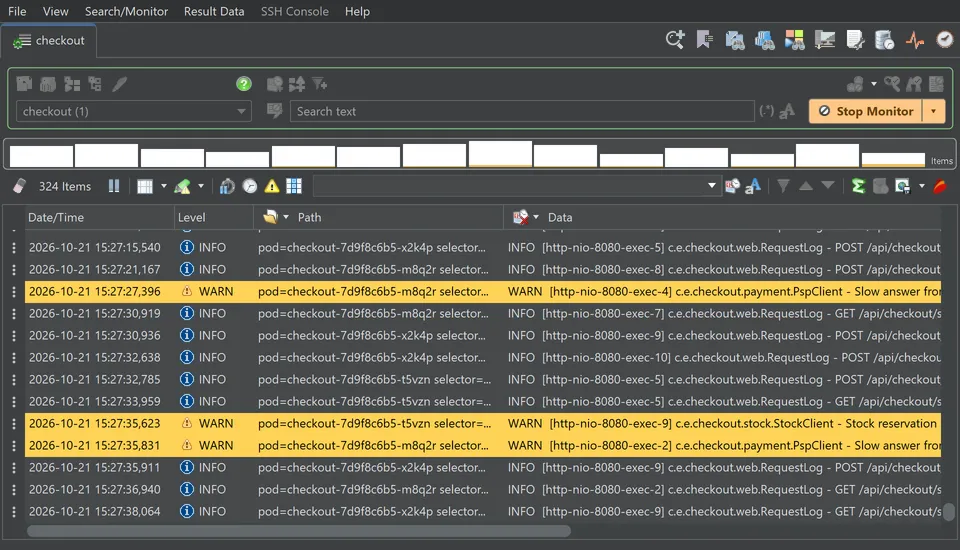
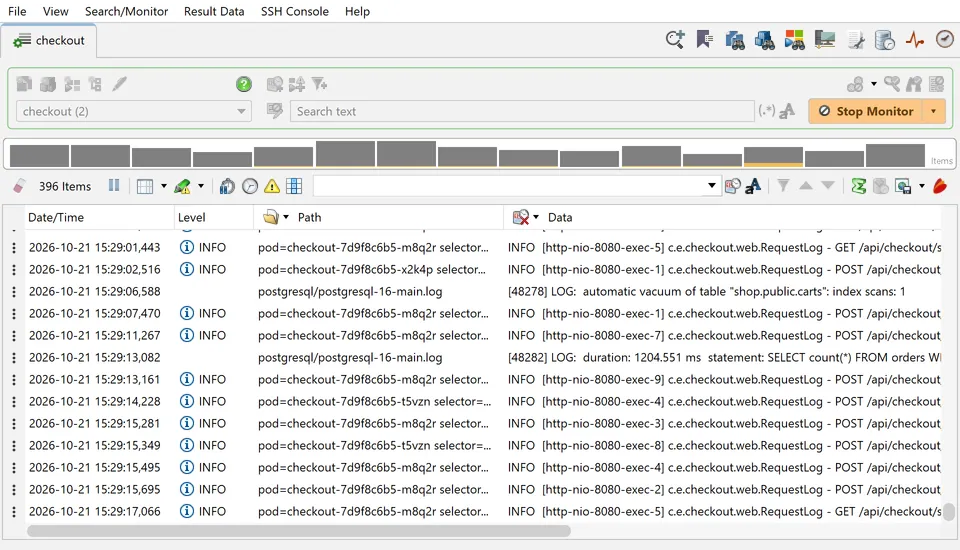
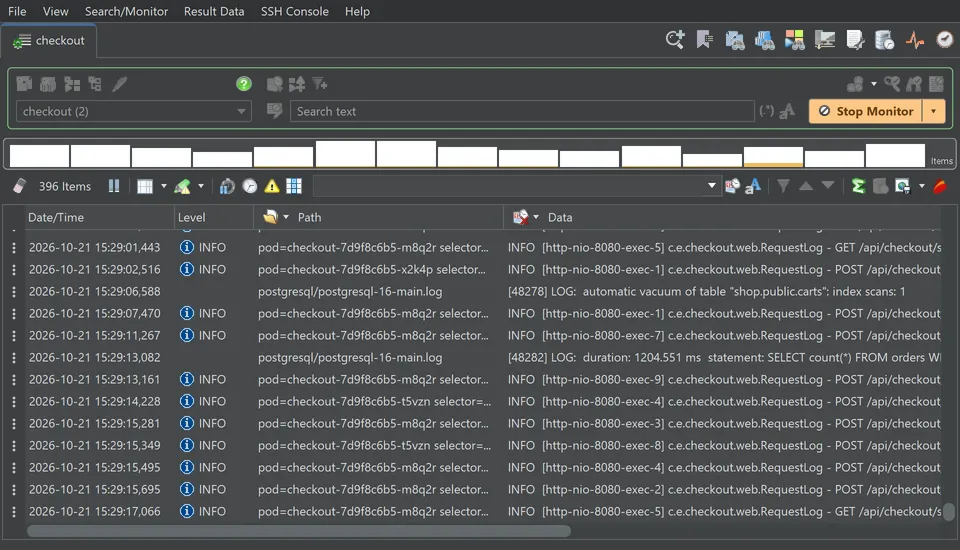
Start monitoring. The lines of all pods arrive in one table, in time order; the Path column names the pod each line comes from. Highlight
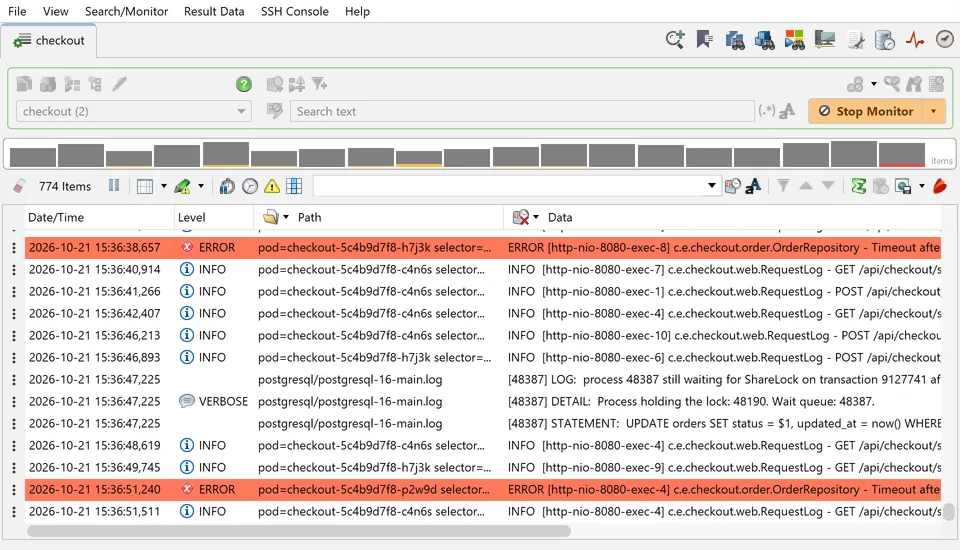
ERRORin red andWARNin yellow so they stand out while the table scrolls.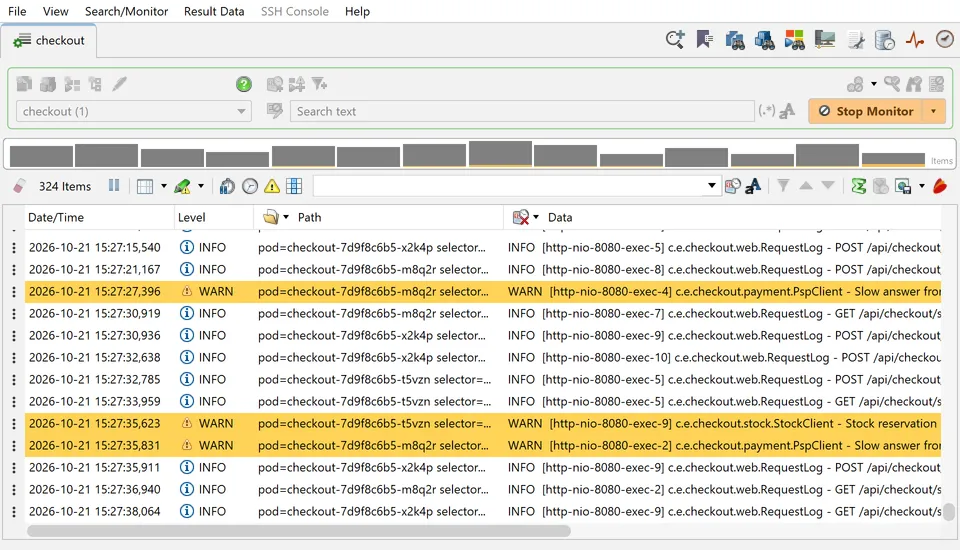
-
Add the database log next to it
The service talks to a PostgreSQL server outside the cluster. Add its log over SSH to the same tab. Now both arrive in one timeline.
-
Start the rollout and watch
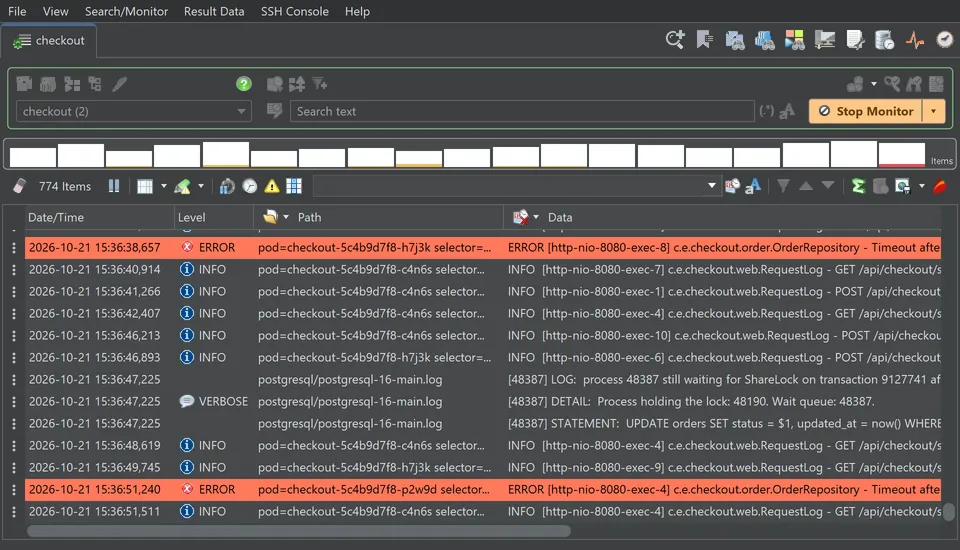
Old pods stop, new ones start — and appear in the same tab by themselves. A few minutes later the new pods log timeouts, and in the same seconds the database log shows lock waits. That's the lead for the developers: the new version holds a lock longer than the old one.


Good to know
- AccessUses the
kubectlordockercommand and the contexts you already have. Nothing is installed in the cluster. - Deployment vs. podDefine the source on the deployment to follow it through a rollout. A source on a single pod ends with that pod.
- NarrowingLabel selectors narrow a deployment's pods, e.g. to one zone or one version.
- Watch, don't digContainer logs disappear with the container. Retrospective is for watching them live; for last week, read the files that persist.
- Free versionMonitoring has no time limit. A tab keeps up to 100 MB of results; beyond that the oldest lines are dropped. With a licence the limit is set in the preferences (1 GB by default).
Related notes: Why Retrospective searches logs where they are written
Retrospective is a desktop app for Windows, macOS and Linux. Send yourself the link and install it on your computer.