

Linux servers
Who logged in last weekend?
Monday morning, security asks who logged in to the six database servers over the weekend. The servers are reachable only through a jump host, the auth log is readable only by root, and the weekend has already been rotated into older, partly compressed files.
-
Add the six servers, through the jump host
Import them from
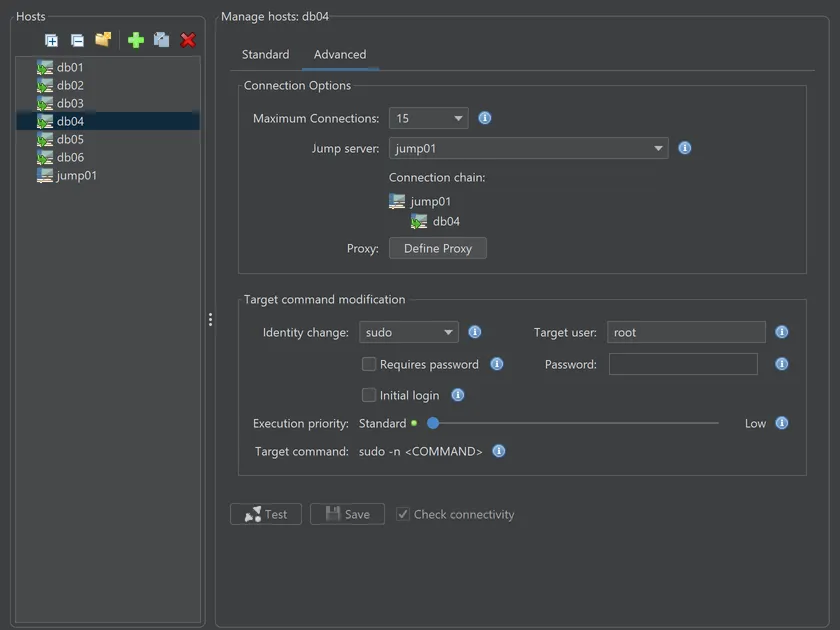
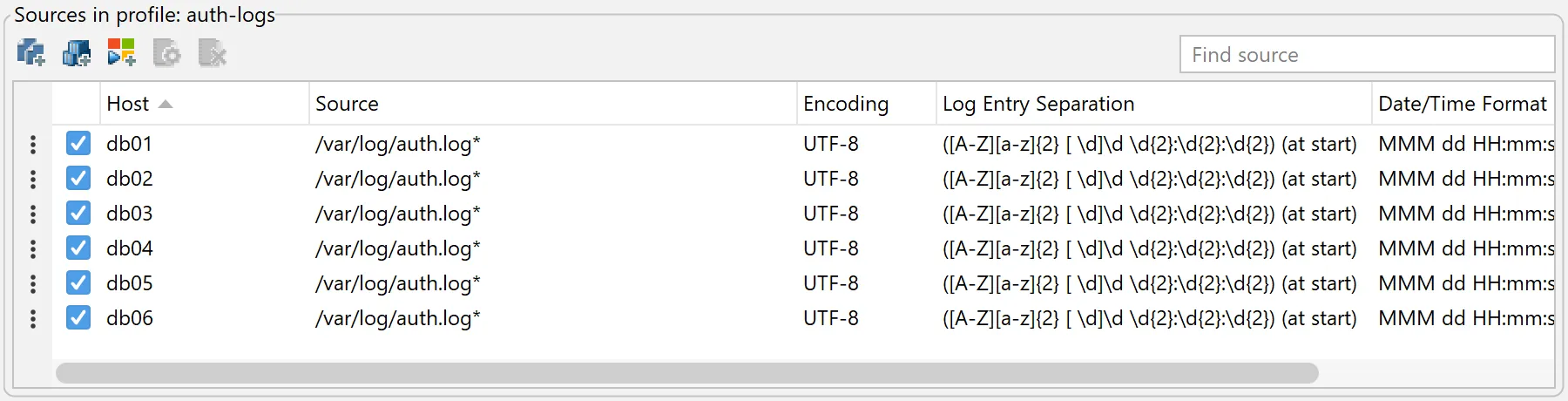
~/.ssh/configor PuTTY, or add them by hand. Pick the jump host as their jump server, and switch onsudofor reading — the auth log belongs to root. Nothing is installed on the servers.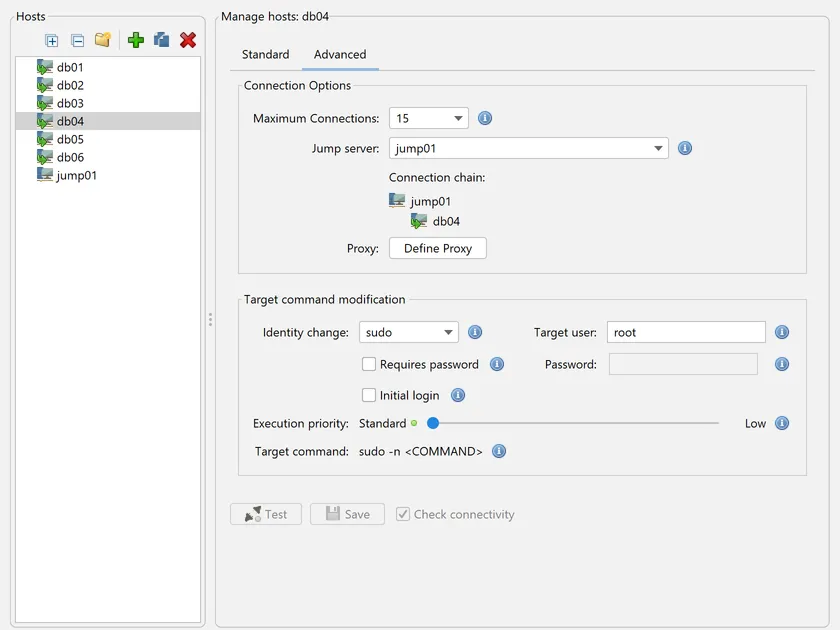
-
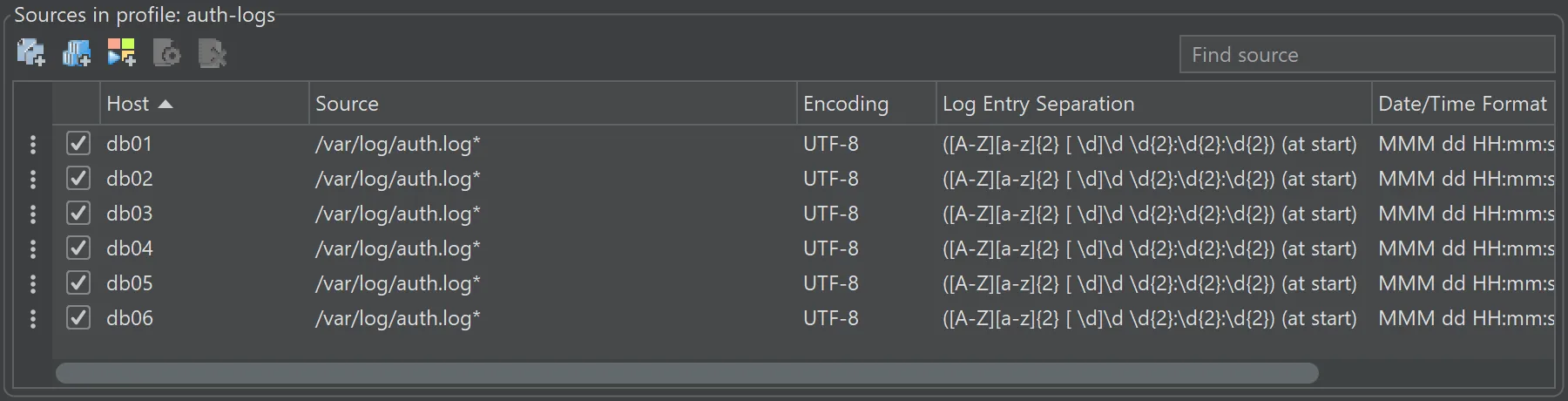
One data source for all six, including last week's files
Point it at
/var/log/auth.log*(/var/log/secure*on Red Hat and its relatives). That coversauth.log,auth.log.1and the compressedauth.log.2.gz.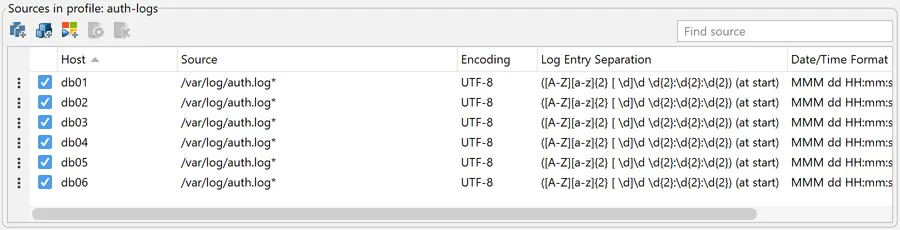
-
Search the weekend
Saturday 00:00 to Sunday 24:00. The first try,
session opened, also finds every cron job — thousands of lines.Acceptedfinds only the logins. The search runs on each server; only matching lines cross the network.

-
One table: who, from where, on which server
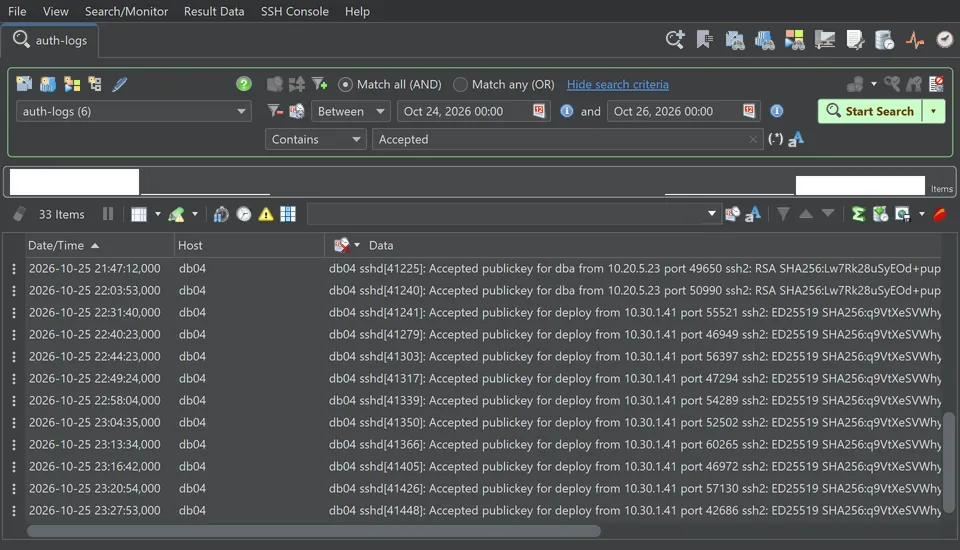
All 33 logins from six servers, sorted by time. More than half are the backup job's key early on Saturday. The chart's second block is Sunday night — all on
db04.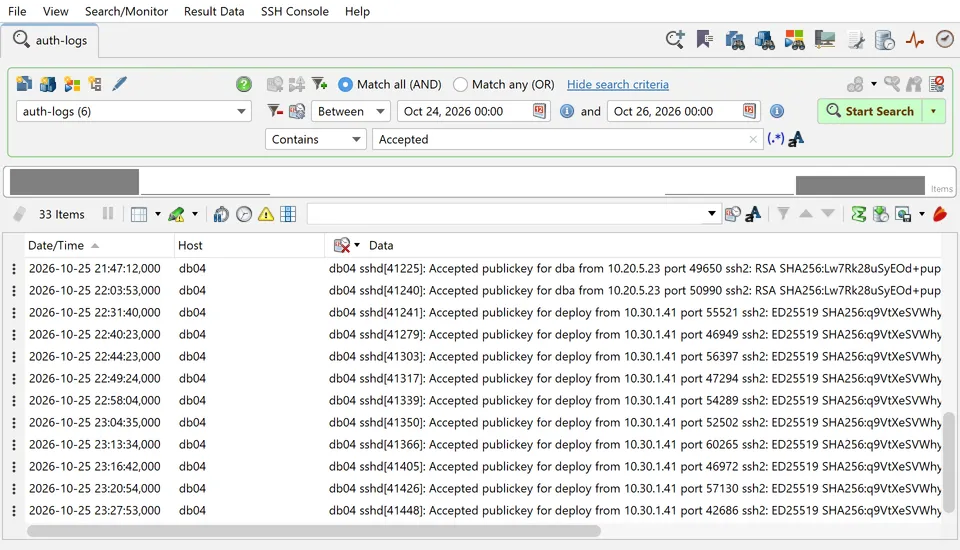
-
Explain it, and hand it over
On
db04: an admin's planned maintenance — and a deploy key from a build server that nobody expected there. Export the list as CSV or HTML for security. Exporting needs a licence; everything up to here works in the free version.




Good to know
- ConnectionsSSH with password or key. Jump servers, also several in a chain. Hosts can be imported from
~/.ssh/configor PuTTY. - Root-only logs
sudoorsudo super host; a read-only account with sudo rights for the log files is enough. - Old filesA pattern such as
auth.log*includes rotated and.gzfiles. - Log files onlyRetrospective reads log files. Hosts that log only to the systemd journal need rsyslog, or a journal export to a file.
- NetworkThe search runs on the server; only matching lines are transferred.
- Other systemsThe same works on macOS and Unix hosts, and on small devices with busybox and dropbear SSH.
Related notes: Why Retrospective searches logs where they are written
Retrospective is a desktop app for Windows, macOS and Linux. Send yourself the link and install it on your computer.