

Windows Event Logs
Who keeps locking the service account?
Every few hours svc-reporting is locked out. The helpdesk unlocks it, and it happens again. The answer is in the Security log of one of your domain controllers — you just don't know which one.
-
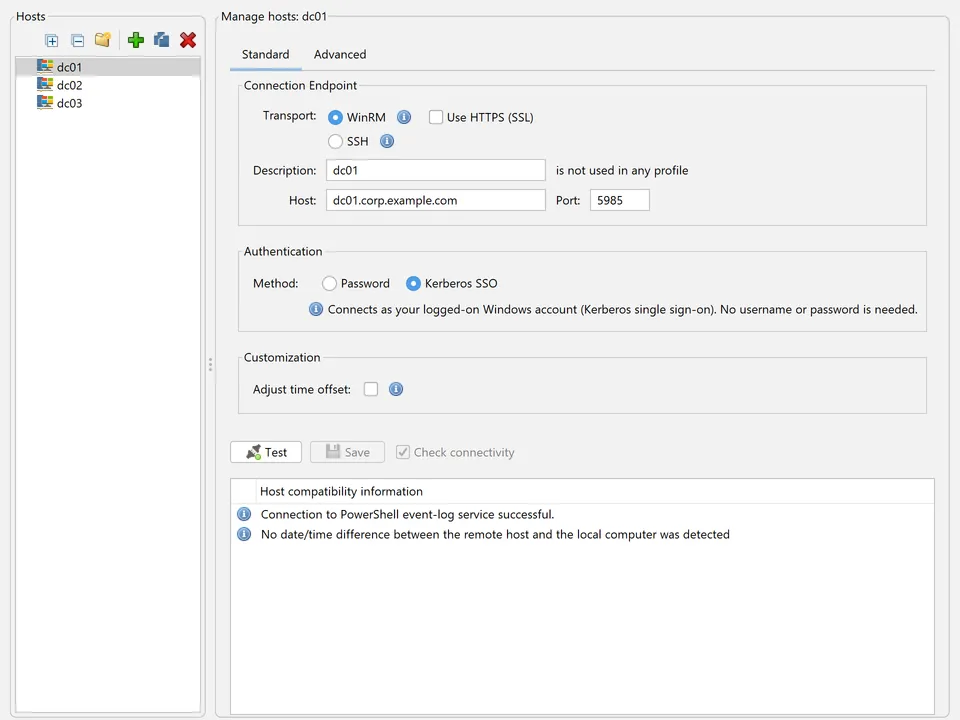
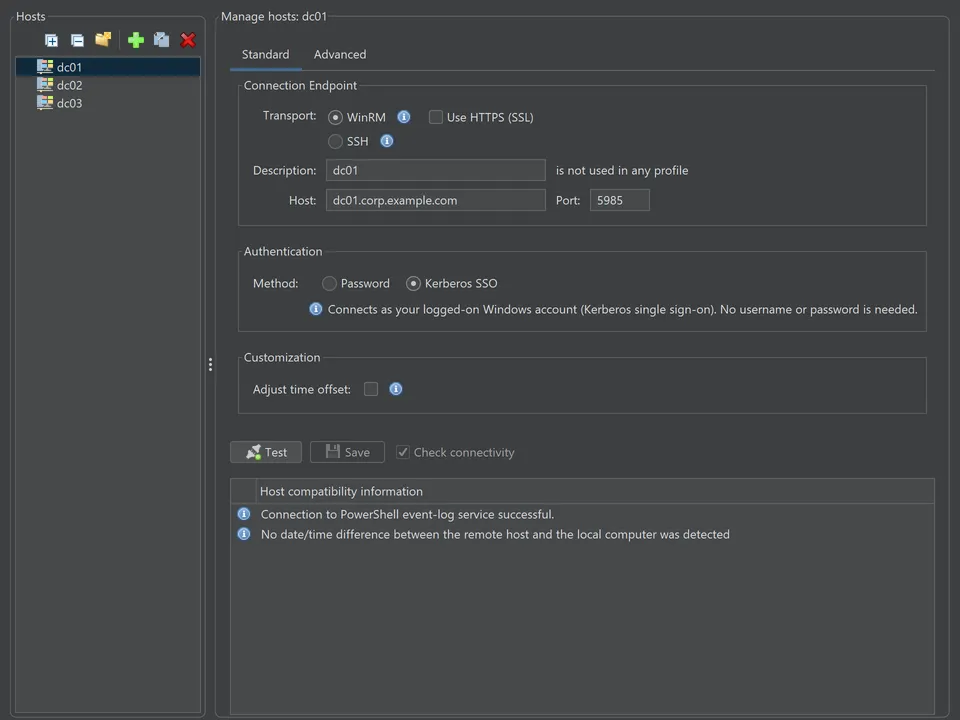
Add the domain controllers
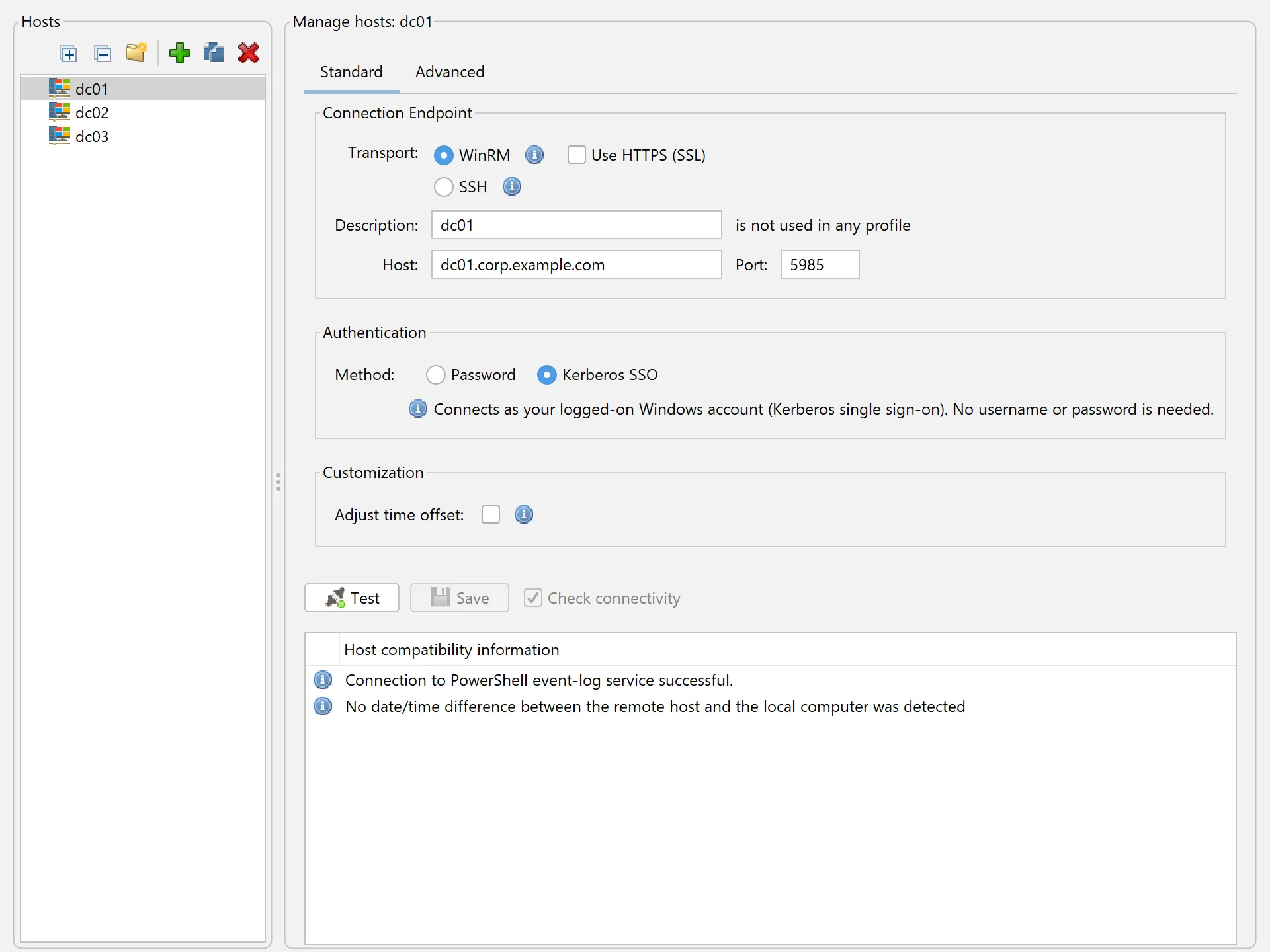
As Windows hosts, over SSH from any computer, or over WinRM from a Windows computer with your Kerberos login — no password stored. A Test button checks the connection before you save. Nothing is installed on the controllers; your account needs Event Log Readers, plus Remote Management Users for WinRM.
-
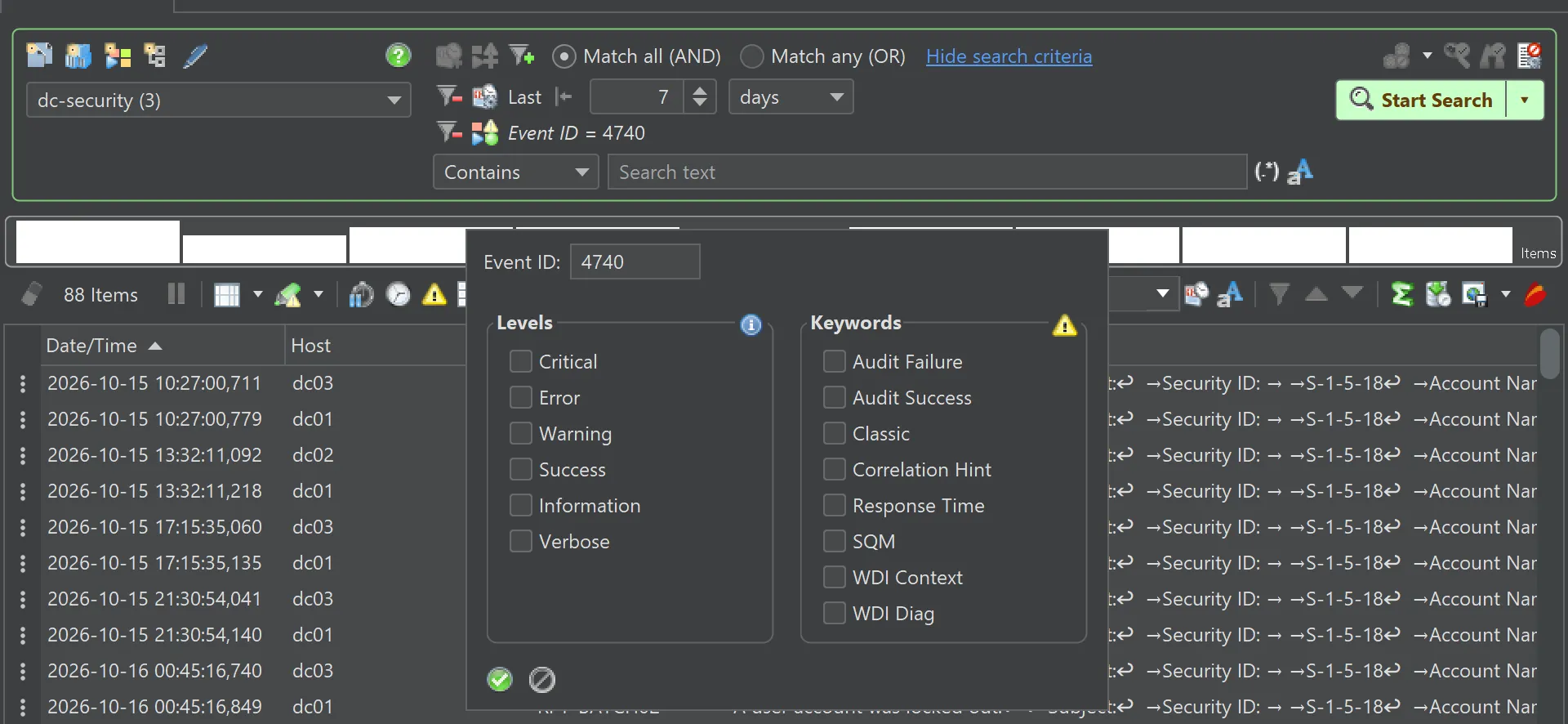
Search Event ID 4740 on all of them at once
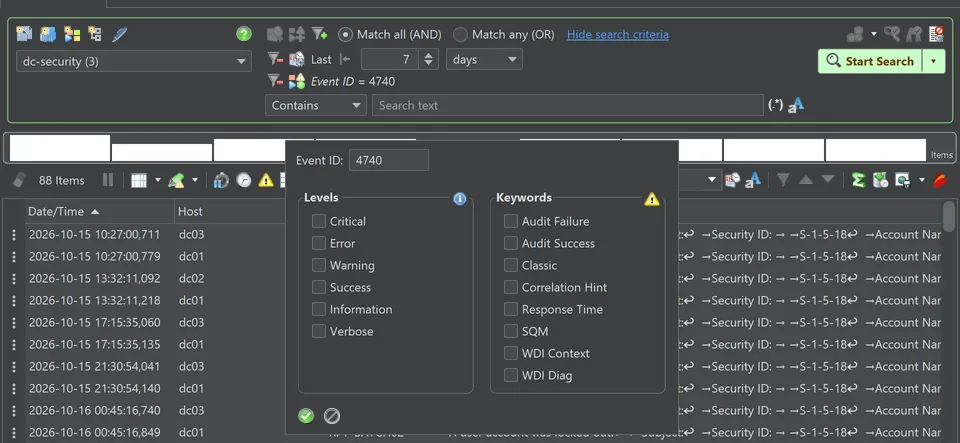
Pick the profile with the controllers' Security log, set Event ID
4740(account locked out) and the last seven days. The filter runs on each controller; only matching events cross the network.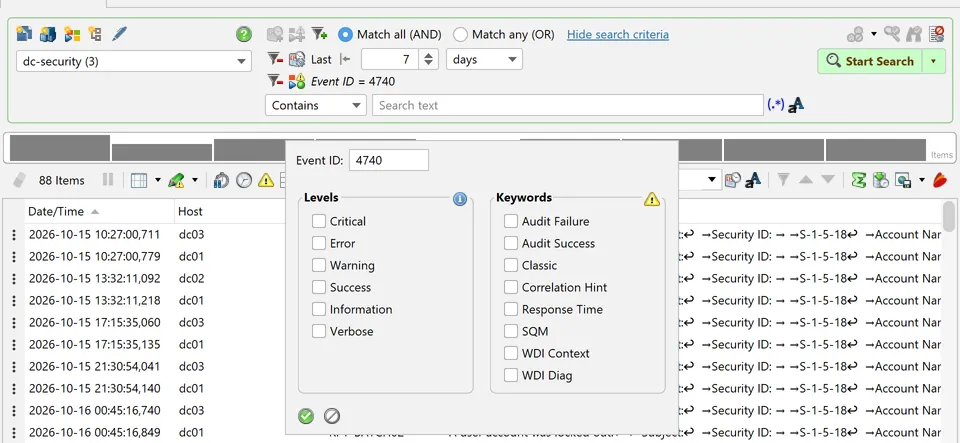
-
One table, one name
Every lockout from the three controllers in one list, sorted by time. A custom column takes the Caller Computer out of each event's message. It is the same machine every time:
RPT-BATCH02.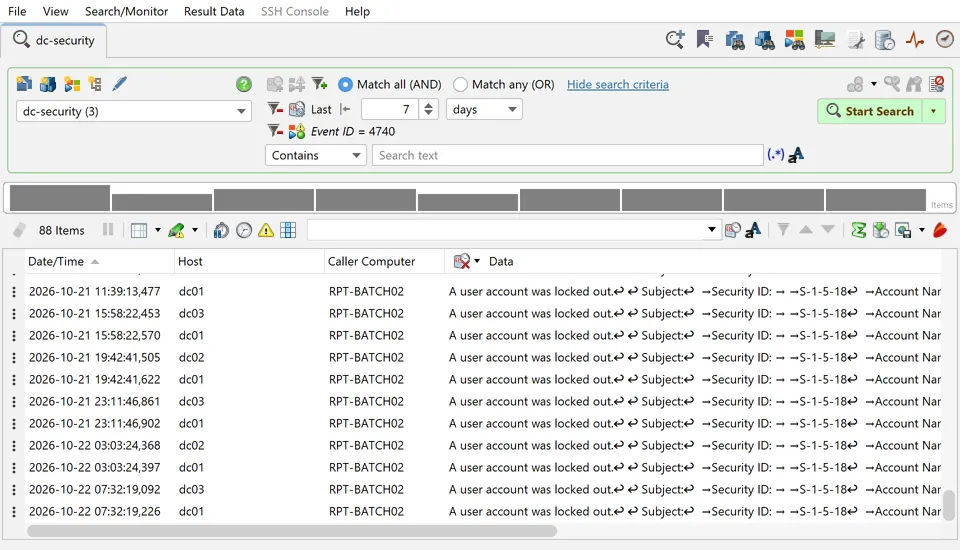
-
Follow the trail
Add
RPT-BATCH02. If it is a Windows machine, search its event logs for failed logons (4625). If it is a Linux box, open its job log over SSH. A scheduled report still runs with last month's password.



Good to know
- PermissionsEvent Log Readers on the target, plus Remote Management Users for WinRM. That covers the Security log; no administrator rights needed.
- ConnectionsSSH from Windows, macOS and Linux. WinRM (HTTP/HTTPS, Kerberos) only from Windows.
- FilteringEvent ID, level, keyword, time range and text are evaluated on the host where possible. Some regular-expression features can't run there and are checked locally, which is slower.
- This computerOn Windows, the local event logs are available right away.
Related notes: What AI agents changed about how Retrospective stores passwords
Retrospective is a desktop app for Windows, macOS and Linux. Send yourself the link and install it on your computer.