

History · Release
Retrospective 8.0
8.0 is a new foundation. The log analyzer now runs on Java 25 with a new user interface, and it reads Windows Event Logs, on this computer and on remote Windows servers, next to log files and containers.
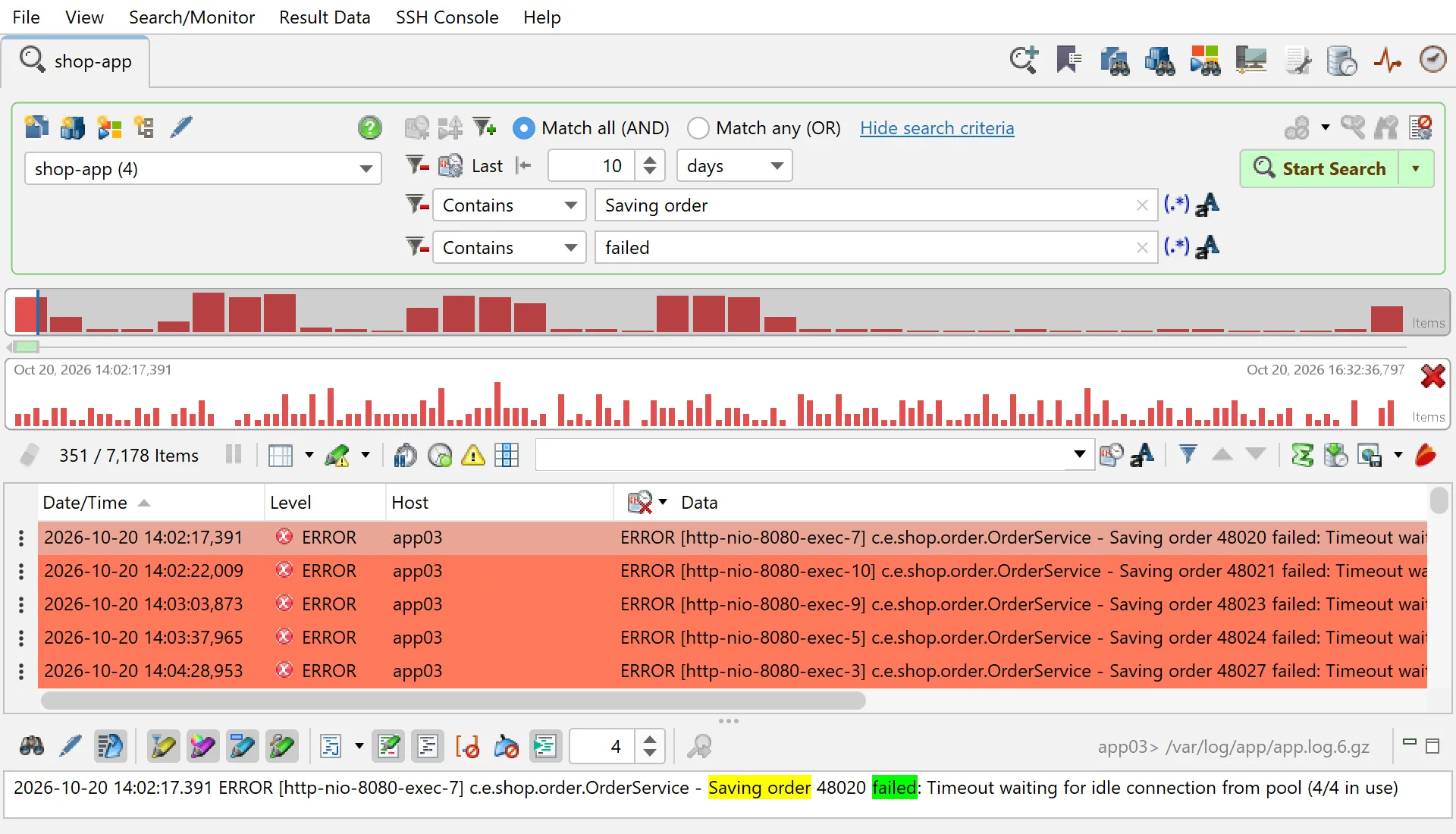
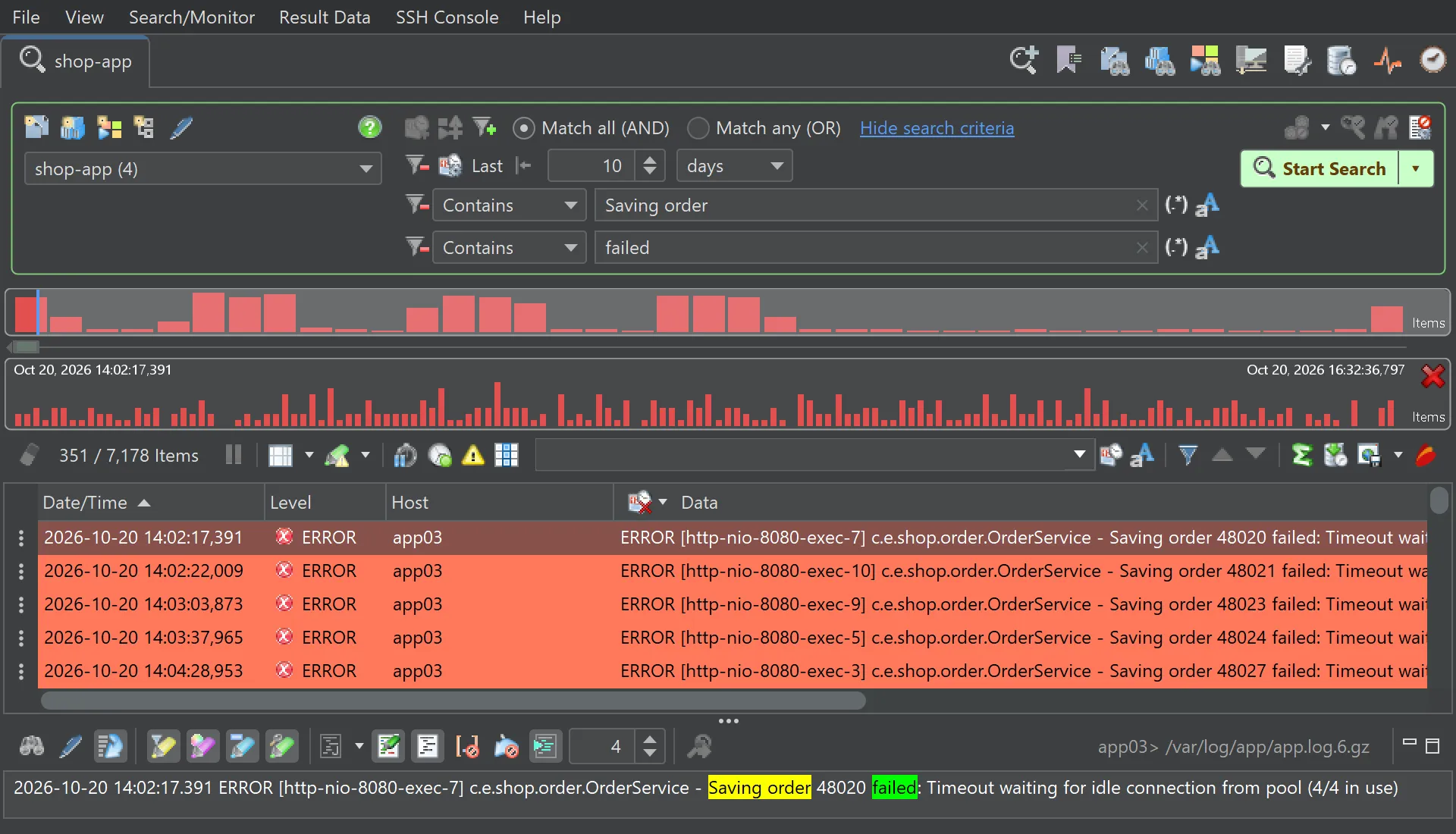
Light and dark, in your language
Six themes, three light and three dark, switched while you work. The interface language (English, German, Japanese) also changes without a restart. The manual comes with the program in all three languages; F1 opens it at the screen you are on. It is also online.
Windows Event Logs, also from remote servers
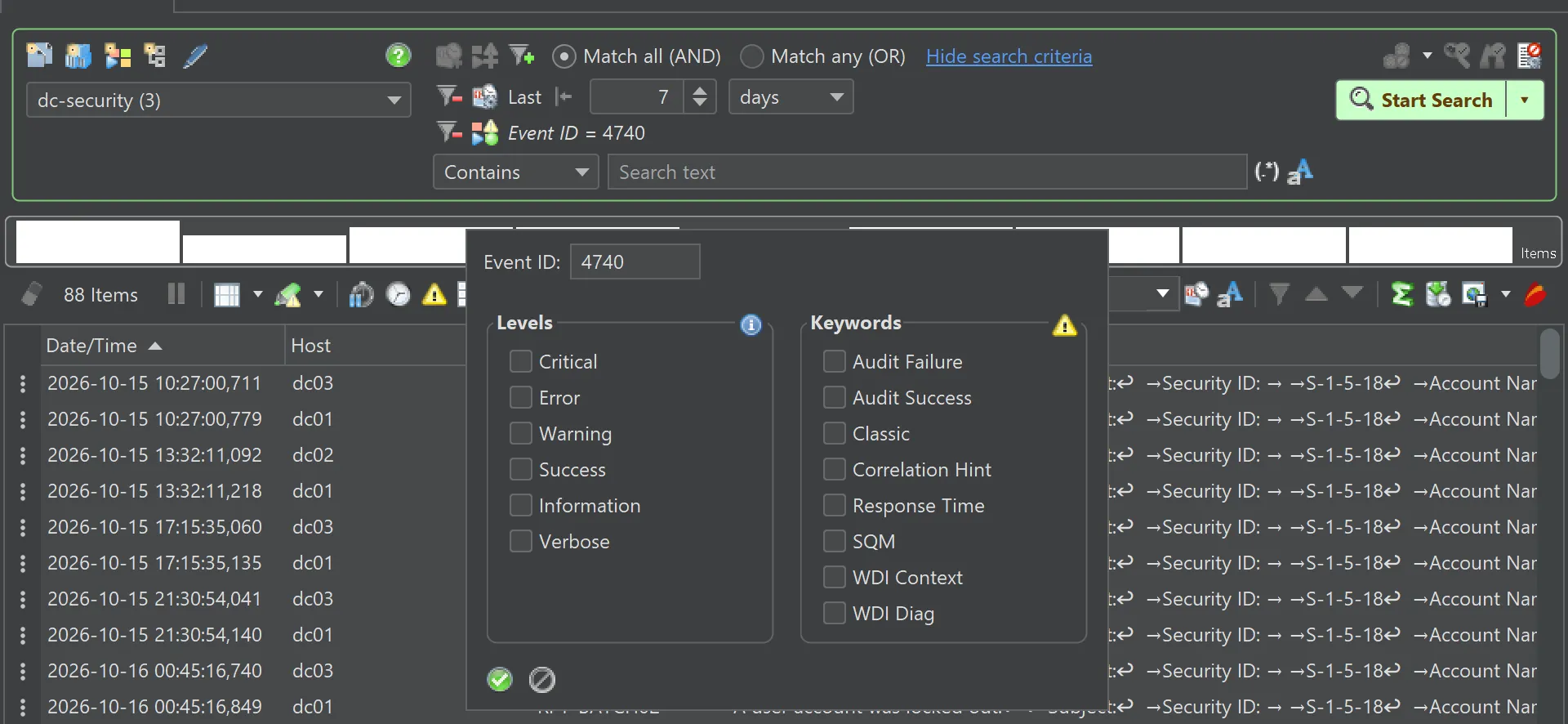
Search and monitor event logs by Event ID, level and keyword, together with files and containers in one table. On Windows, the event logs of this computer are available right away. Remote Windows servers are reached over SSH from any computer, or over WinRM with your Kerberos login from Windows. The filter runs on the server where possible, so only matching events cross the network; nothing is installed there. See Event Log Browser and Windows connections in the manual.

Zoom into the moment
Drag across the statistics chart above the result table to filter the table to that time range. A slider moves the range, and a detail chart shows it in finer slices, down to single milliseconds. Stack traces can be read in place in the table, and the raw lines around any entry are one click away (Context diving).
Passwords stay on this computer
Stored credentials are encrypted with a key that belongs to this installation. An optional master password adds a second lock, and every use of a stored credential is written to an audit log. SSH host keys are checked on every connection; a changed key is refused. The Security chapter also says what the protection does not cover.
Also
- Switches, access points and NAS boxes with a reduced set of shell tools (Hosts you cannot change)
- Network shares in the File Browser, also by UNC path on Windows
- Search results are always stored on disk, with a size limit per tab
- Installers with Java 25 included, or without; signed for Windows, signed and notarized for macOS
Free version
You can try Retrospective for free with every kind of source; there is no trial period that runs out. For ongoing use you need a licence. It also adds exporting, aggregation and correlation, snapshots, saved views, new SSH consoles, and more than 100 MB of results per tab. When you click one of these in the free version, Retrospective says so in a bar with a link to register.
Upgrading
You can install 8.0 over the previous version; there is nothing to export first. On first start, 8.0 offers to import from the newest earlier version on this computer: from 6.2 on, the configuration and the collected log data; from 5.0 on, the configuration only (hosts, profiles, bookmarks, history, preferences and result snapshot definitions). Stored passwords come along and are re-encrypted with the new key. Collected data you skip at the first start can't be imported later; the configuration can, from the File menu. See Import from previous version.
With a licence, 8.0 runs registered if it was released within your year of updates. Otherwise it runs as the free version until you renew.
Notes about this release: What AI agents changed about how Retrospective stores passwords
Retrospective is a desktop app for Windows, macOS and Linux. Send yourself the link and install it on your computer.